Introduction
In an era where cyber threats are evolving at an alarming rate, the healthcare sector faces unprecedented risks that demand immediate attention. Flash drive malware stands out as a particularly insidious threat, capable of infiltrating systems through seemingly innocuous USB devices. Organizations, especially in regulated sectors like healthcare and finance, must recognize the potential for devastating data breaches, financial losses, and compliance violations that can arise from these attacks.
What steps can organizations take to protect their sensitive information and maintain operational integrity in the face of such threats? This article delves into the mechanisms of flash drive malware, outlines essential prevention strategies, and provides a roadmap for robust response protocols to ensure resilience against this growing cybersecurity challenge.
Define Flash Drive Malware and Its Mechanisms
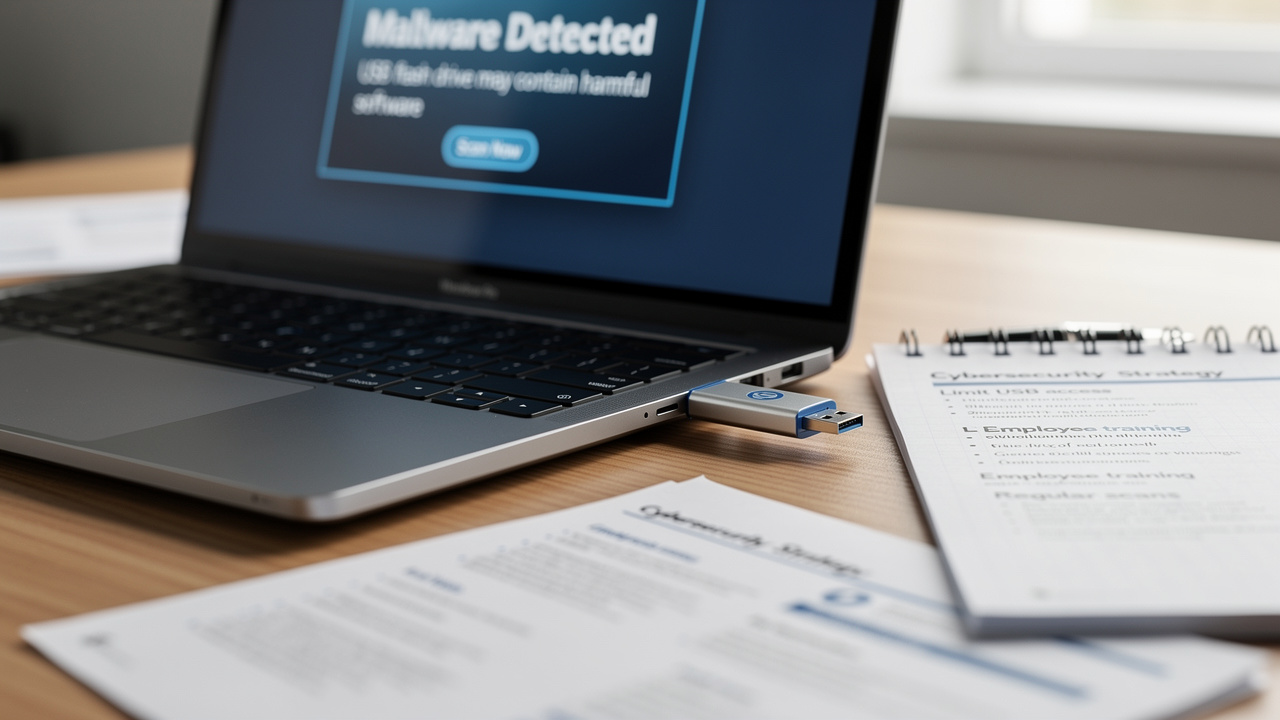
In an era where cybersecurity threats are evolving rapidly, the healthcare sector faces unique challenges that demand immediate attention. Flash storage threats, such as flash drive malware, include harmful software intended to penetrate computers via USB flash devices, appearing in various forms such as viruses, worms, and trojans. These threats often exploit the autorun feature of operating systems, which can automatically execute programs upon connecting a USB drive.
A notable example is the BadUSB attack. In this case, the USB device is reprogrammed to execute harmful actions, such as data theft and installing additional malware. Statistics indicate that in 2026, 27% of harmful software infections in the U.S. originated from USB devices, underscoring the essential need for organizations to adopt strong security measures. Comprehending the mechanisms of flash drive malware is crucial for identifying how easily these dangers can proliferate through seemingly innocuous devices. This highlights the significance of vigilance and proactive security measures.
It's crucial for organizations to:
to mitigate potential threats effectively. One of the most effective strategies to combat flash drive malware is application allowlisting. This approach proactively prevents unauthorized or malicious applications from executing, ensuring that only pre-approved software can run on your systems. By limiting the applications that can execute, entities significantly reduce their attack surface and minimize vulnerabilities, making it harder for attackers to exploit systems.
Application allowlisting not only assists in blocking harmful software and ransomware but also guarantees adherence to regulatory standards such as HIPAA, PCI-DSS, and GDPR, which is vital for entities in regulated sectors. By prioritizing application allowlisting, organizations not only enhance their defenses but also safeguard their compliance with critical regulations, ensuring a secure future in healthcare.

Identify Risks Associated with Flash Drive Malware
In an era where cyber threats are evolving at an alarming rate, the risks associated with flash storage viruses pose a significant challenge for organizations across all sectors. Key risks include:
- Data Breaches: Flash drive malware can exfiltrate sensitive information, leading to unauthorized access to confidential data. In 2026, the first half of the year experienced a rise in cyberattacks, with numerous incidents associated with the exploitation of removable media, highlighting a critical vulnerability in our systems that cannot be ignored.
- Financial Losses: Organizations may incur substantial costs related to data recovery, legal fees, and regulatory fines due to breaches. The average expense of a cybersecurity incident worldwide is around $4.4 million, with U.S. entities encountering even greater costs. These financial repercussions can cripple organizations, making it imperative to address these vulnerabilities head-on.
- Operational Disruptions: Malware infections can lead to significant system downtime, affecting productivity and service delivery. For example, the June 2026 ransomware incidents disrupted operations across various sectors, underscoring the potential for flash drive malware to cause similar interruptions.
- Reputation Damage: A successful cyber attack can tarnish a business's reputation, eroding customer trust and confidence. Organizations that experience data breaches often face long-term reputational harm, which can be difficult to recover from.
- Compliance Violations: Industries such as healthcare are particularly vulnerable, as non-compliance with regulations like HIPAA can result in severe penalties. The dangers linked to flash drive malware go beyond immediate financial setbacks, potentially resulting in enduring compliance challenges.
Understanding these risks is crucial for organizations to effectively prioritize their cybersecurity efforts. As experts observe, numerous breaches arise from skill gaps and avoidable human mistakes, highlighting the necessity for strong training and awareness initiatives to reduce the risks linked to flash storage threats. Without proactive measures, organizations risk not only their financial stability but also their very reputation in the marketplace.

Implement Prevention Strategies Against Flash Drive Malware
In an era where healthcare organizations face relentless cyber threats, safeguarding sensitive data has never been more critical. To effectively prevent flash drive malware infections, organizations should implement the following strategies:
- Disable Autorun: Turn off the autorun feature on all systems to prevent the automatic execution of malicious software. Disabling this feature has been shown to significantly reduce the risk of malware spread, as it eliminates a common entry point for cyber threats.
- Use Encrypted USB Devices: Encourage the use of encrypted USB devices that require authentication to access data, adding an extra layer of security. This measure ensures that even if a storage device is lost or stolen, the data remains protected from unauthorized access.
- Educate Employees: It's essential to hold regular training sessions that inform employees about the risks of using unknown USB drives and best practices for safe handling. Awareness is crucial, as human error often leads to security breaches.
- Implement Endpoint Protection: Utilize advanced endpoint protection solutions that can detect and block malware before it executes. These solutions provide real-time monitoring and can identify unusual user behavior, helping to mitigate risks associated with removable media.
- Regularly Update Software: Ensure that all operating systems and security software are up to date to protect against known vulnerabilities. Keeping software current is essential for maintaining a robust defense against evolving threats.
- Establish a USB Policy: Create a clear policy regarding the use of USB storage devices within the organization, including guidelines for approved equipment and usage protocols. This policy should restrict the use of unauthorized devices and outline procedures for reporting lost or found drives.
By implementing these strategies, organizations can significantly reduce their vulnerability to malware attacks, including flash drive malware, and protect their most valuable asset: patient data, paving the way for a more secure healthcare environment.

Establish Monitoring and Response Protocols for Malware Threats
In an era where cyber threats are increasingly sophisticated, healthcare organizations must prioritize robust malware management strategies to protect their assets and reputation. Organizations should establish robust monitoring and response protocols to effectively manage malware risks. Key components include:
- Continuous Monitoring: With Cyber Solutions' advanced endpoint protection and threat detection services, your systems are fortified against the ever-evolving landscape of cyber threats. Implement continuous monitoring of network traffic and endpoint activities to detect suspicious behavior in real-time. This proactive approach is crucial, as statistics show that breaches lasting over 200 days can cost entities an average of $5.01 million. Imagine facing a breach that lingers for over 200 days, costing your organization millions.
- Incident Response Plan: Develop a comprehensive incident response plan (IRP) that outlines roles, responsibilities, and procedures for addressing infections caused by malicious software. An effective IRP should align with the NIST Incident Response Lifecycle, covering preparation, detection, containment, eradication, recovery, and post-incident activities. Without a solid IRP, your organization risks being unprepared when a cyber incident strikes. Cyber Solutions' expertise in incident response ensures that your entity is prepared to act swiftly and effectively.
- Regular Drills: Conduct regular drills to test the effectiveness of the incident response plan and ensure that all team members are familiar with their roles. These simulations play a vital role in pinpointing weaknesses in your response strategy, ensuring your team is ready when it matters most.
- Post-Incident Analysis: After a security breach, perform a thorough analysis to identify the root cause and improve future prevention strategies. This reflection should include a 'Lessons Learned' meeting with stakeholders to review the attack timeline and update the IRP accordingly. Cyber Solutions can assist in this analysis, leveraging their experience in compliance and cybersecurity, including adherence to standards such as HIPAA, PCI-DSS, and GDPR.
- Collaboration with Cybersecurity Experts: Engage with cybersecurity professionals, such as those from Cyber Solutions, to enhance incident response capabilities and ensure compliance with industry standards. Their tailored managed IT and cybersecurity services are designed to meet the needs of regulated industries, particularly in South Carolina, where they provide both on-site and remote support across cities like Anderson, Greenville, and Charleston.
By implementing these protocols, organizations not only fortify their defenses but also position themselves for a swift recovery, ensuring continuity in patient care and trust.

Conclusion
In an era where data breaches are rampant, understanding flash drive malware is crucial for organizations committed to safeguarding sensitive information. We’ve delved into how flash drive malware works and what it means for your organization. By prioritizing proactive measures - like disabling autorun features and implementing robust endpoint protection - organizations can significantly reduce their vulnerability to these threats.
Key insights include:
- The importance of fostering a culture of cybersecurity awareness through employee education
- Establishing clear USB policies
- Developing comprehensive incident response plans
- Engaging with cybersecurity experts to enhance preparedness against potential breaches
Failure to act could lead to severe financial penalties and reputational damage. Ultimately, by adopting these best practices, organizations can not only protect their data but also ensure compliance with critical regulations such as HIPAA, PCI-DSS, and GDPR. By taking decisive action now, organizations can not only protect their data but also fortify their reputation in a digital world fraught with risks.
Frequently Asked Questions
What is flash drive malware?
Flash drive malware refers to harmful software designed to infiltrate computers through USB flash devices. It can manifest as viruses, worms, or trojans and often exploits the autorun feature of operating systems to execute malicious programs automatically when a USB drive is connected.
How does flash drive malware typically spread?
Flash drive malware typically spreads by exploiting the autorun feature of operating systems, which allows programs to run automatically upon connecting a USB device. This can lead to the installation of harmful software without the user's knowledge.
What is a notable example of flash drive malware?
A notable example of flash drive malware is the BadUSB attack, where a USB device is reprogrammed to perform harmful actions, such as stealing data or installing additional malware.
What statistics highlight the threat of flash drive malware?
Statistics indicate that by 2026, 27% of harmful software infections in the U.S. are expected to originate from USB devices, emphasizing the need for strong security measures in organizations.
What measures can organizations take to mitigate flash drive malware threats?
Organizations can mitigate flash drive malware threats by disabling the autorun feature, utilizing endpoint security solutions, and educating users about the risks associated with unknown USB devices.
What is application allowlisting and how does it help against flash drive malware?
Application allowlisting is a security strategy that prevents unauthorized or malicious applications from executing on systems. By allowing only pre-approved software to run, organizations can significantly reduce their attack surface and minimize vulnerabilities, making it harder for attackers to exploit systems.
How does application allowlisting support regulatory compliance?
Application allowlisting helps organizations adhere to regulatory standards such as HIPAA, PCI-DSS, and GDPR by blocking harmful software and ensuring that only compliant applications can execute, which is vital for entities in regulated sectors like healthcare.
List of Sources
- Define Flash Drive Malware and Its Mechanisms
- 25% Of Malware Spread Via USB Drives (https://darkreading.com/vulnerabilities-threats/25-of-malware-spread-via-usb-drives)
- Honeywell’s 2024 USB Threat Report reveals significant rise in malware frequency, highlighting growing concerns - Industrial Cyber (https://industrialcyber.co/news/honeywells-2024-usb-threat-report-reveals-significant-rise-in-malware-frequency-highlighting-growing-concerns)
- Why USB Attacks Are Back And How To Prevent Them | Coro Cybersecurity (https://coro.net/blog/why-usb-attacks-are-back-and-how-to-prevent-them)
- Using Caution with USB Drives | CISA (https://cisa.gov/news-events/news/using-caution-usb-drives)
- FBI warns that hackers are mailing malware on USB drives to their targets - Kingston Technology (https://kingston.com/en/blog/data-security/fbi-warning-companies-mailed-usb-drives)
- Identify Risks Associated with Flash Drive Malware
- Recent Cyber Attacks In 2026 | The Breach Report (https://purplesec.us/breach-report)
- 10 Major Cyberattacks And Data Breaches In 2026 (So Far) (https://crn.com/news/security/2026/10-major-cyberattacks-and-data-breaches-in-2026-so-far)
- June 2026: Biggest Cyber Attacks, Data Breaches, Ransomware Attacks (https://cm-alliance.com/cybersecurity-blog/june-2026-biggest-cyber-attacks-data-breaches-ransomware-attacks)
- List of Recent Data Breaches in 2026 (https://brightdefense.com/resources/recent-data-breaches)
- The biggest cyber breaches of 2026 so far (https://acilearning.com/blog/the-biggest-cybersecurity-breaches-of-2026-so-far-and-the-training-that-could-have-prevented-them)
- Implement Prevention Strategies Against Flash Drive Malware
- Using Caution with USB Drives | CISA (https://cisa.gov/news-events/news/using-caution-usb-drives)
- The Ongoing Risk of USB Drives | CrowdStrike (https://crowdstrike.com/en-us/blog/usb-drives-threaten-enterprise-security)
- Why disabling Autorun is smart for cybersecurity (https://paubox.com/blog/why-disabling-autorun-is-smart-for-cybersecurity)
- USB Flash Drive Security Tips: Keep Your Business Safe- Blancco (https://blancco.com/resources/blog-usb-flash-drive-security-tips)
- Why we need to be wary of USB attacks in industry | Stormshield (https://stormshield.com/news/the-paradox-of-usb-drives-in-the-industrial-world)
- Establish Monitoring and Response Protocols for Malware Threats
- What Is an Incident Response Plan (IRP)? (https://paloaltonetworks.com/cyberpedia/incident-response-plan)
- 7 Steps of a Complete Malware Incident Response Plan (https://spycloud.com/blog/7-steps-of-malware-incident-response-plan)
- The Critical Importance of a Robust Incident Response Plan in 2025 | Sygnia (https://sygnia.co/blog/critical-importance-incident-response-plan)
- Malware Incident Response Plan | Huntress (https://huntress.com/malware-guide/malware-incident-response-plan)